
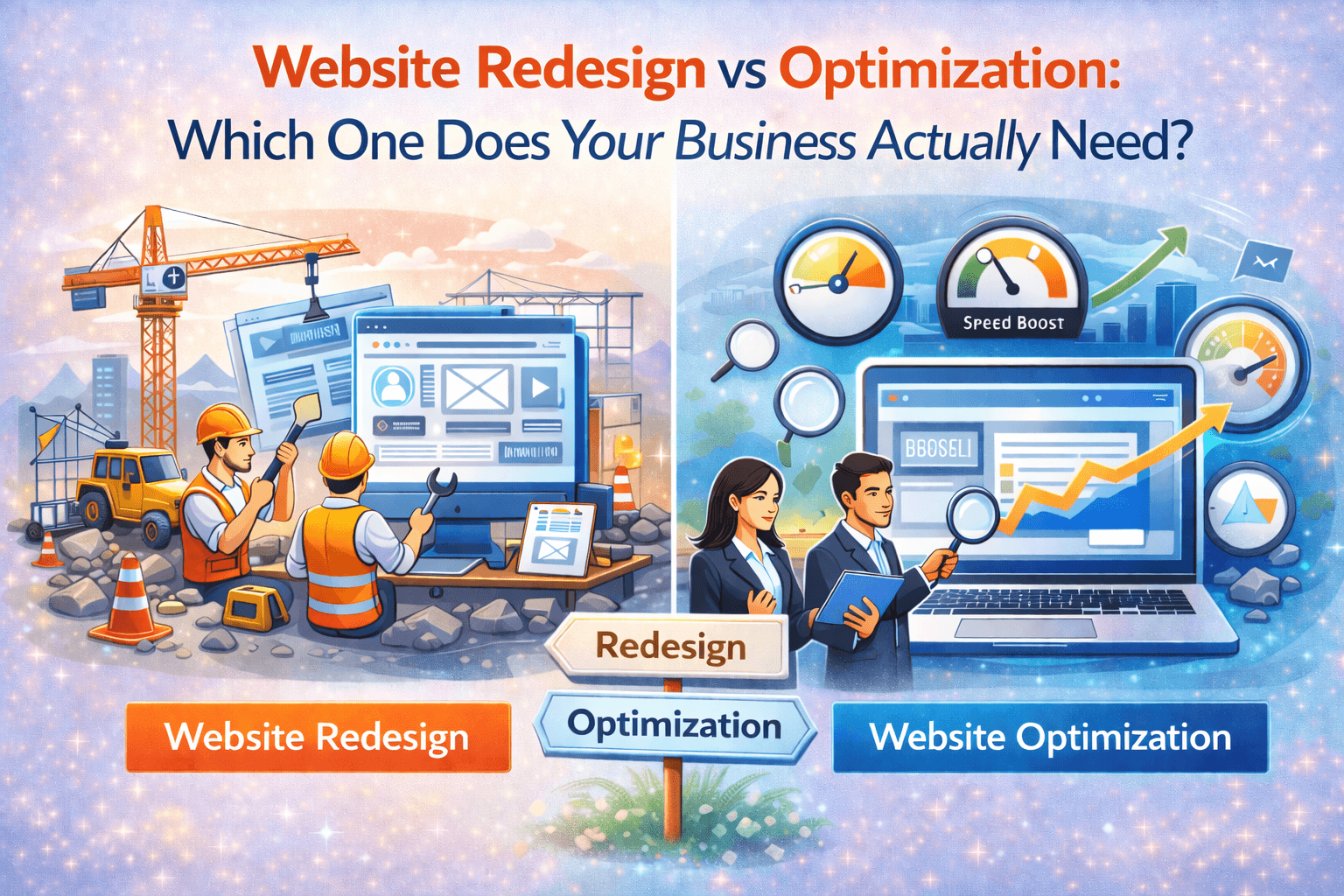
The Smart Guide to Making the Right Decision
Your website isn’t performing well. Conversions are low. Traffic doesn’t turn into customers.
You’re faced with two paths:
Path 1: Complete website redesign (3-4 months timeline)
Path 2: Website optimization (2-4 weeks timeline)
The question: Which one actually solves your problem?
At codExalters Techlabs, we’ve helped dozens of businesses make this exact decision. Sometimes they need a redesign. Sometimes they don’t. Sometimes they need a hybrid approach.
Let’s break down both options honestly so you can make the right choice for your business.
Understanding the Real Difference
What is Website Optimization?
Optimization means improving your existing website without changing its fundamental structure or design.
You’re working on:
- Page speed and loading times
- Content clarity and messaging
- Call-to-action placement and text
- Mobile responsiveness improvements
- Adding trust signals (testimonials, reviews, certifications)
- SEO improvements
- Form simplification
- Navigation tweaks
Timeline: 2-6 weeks Risk: Low (incremental changes, easily reversible)
What is Website Redesign?
Redesign means rebuilding your website from scratch or making major structural and visual changes.
You’re working on:
- Complete visual overhaul
- New design language and branding
- Restructured information architecture
- New technology stack/platform
- Updated user experience flows
- Modern UI elements and interactions
- Brand repositioning
Timeline: 2-6 months Risk: Medium to High (major investment, harder to reverse)
When Optimization is the Right Choice
Optimization works when your website’s foundation is solid but execution needs improvement.
Choose Optimization If:
1. Your Site is Less Than 3 Years Old Modern design ages slower than old designs. If your site was built in 2022-2024 with responsive design, it probably just needs refinement, not replacement.
2. Users Understand What You Do, But Don’t Convert If visitors spend time on your site but don’t take action, the problem is likely messaging or trust, not design.
Solution: Better copywriting, clearer CTAs, more social proof—all optimization work.
3. Your Analytics Show Specific Problem Areas Data reveals exactly what’s broken:
- High bounce rate on homepage → messaging issue
- Drop-off at checkout → form complexity issue
- Mobile traffic leaving fast → mobile experience issue
- Slow page load times → speed optimization needed
Solution: Target these specific issues without rebuilding everything.
5. You Need Results Quickly Optimization can show improvements in 2-4 weeks. Redesign takes months before you see any impact.
Real Optimization Success Story
Client: E-commerce business selling home décor Problem: 5,000 monthly visitors, very low conversion rate (under 1%)
What We Did (Optimization):
- Rewrote product descriptions for clarity
- Added 50+ customer reviews with photos
- Simplified checkout from 6 steps to 3
- Optimized page speed from 8 seconds to 2 seconds
- Improved mobile experience
Results:
- Conversion rate almost tripled
- Monthly sales increased from 40 to 115
- Timeline: 4 weeks
- No redesign needed
Their reaction: “Why would we redesign when this works?”
When Redesign is the Right Choice
Redesign is necessary when your website’s fundamental structure or technology is the problem.
Choose Redesign If:
1. Your Site is Outdated (5+ Years Old) Technology and design standards evolve. A 2018 website likely has:
- Non-responsive design (doesn’t work on mobile)
- Outdated security protocols
- Slow, inefficient code
- Design that screams “old company”
Solution: Full redesign on modern platforms.
2. Your Business Model Changed Significantly If you’ve pivoted from B2C to B2B, added new product lines, merged with another company, or completely changed target audience—your old site can’t communicate the new reality.
Fix: Redesign aligned with new business direction.
3. Your Site is Technically Broken
- Built on dead platforms (Flash, very old WordPress)
- Security vulnerabilities that can’t be patched
- Can’t add features because codebase is too messy
- Constant crashes and downtime
Solution: Rebuild on modern, secure, maintainable platform.
4. Competitor Websites Make You Look Unprofessional If every competitor has modern, polished sites and yours looks like it’s from 2015, you’re losing credibility before visitors even read your content.
Solution: Redesign to match industry standards.
5. User Research Shows Fundamental UX Problems If users consistently can’t find what they’re looking for, abandon due to confusing navigation, or leave because the site doesn’t feel trustworthy—and these issues can’t be fixed with tweaks—you need structural changes.
Solution: Redesign with proper UX research and user testing.
Real Redesign Success Story
Client: B2B SaaS company Problem: Website built in 2017, looked dated, not converting enterprise clients
Why Optimization Wouldn’t Work:
- Design language didn’t match enterprise expectations
- Information architecture was consumer-focused, not B2B
- Non-responsive design (mobile didn’t work properly)
- Built on outdated CMS with security issues
- Couldn’t integrate with their new CRM
What We Did (Redesign):
- Full visual redesign for enterprise audience
- Restructured content for B2B buyer journey
- Modern responsive design
- Migrated to secure, modern platform
- Integrated with CRM and analytics tools
Results:
- Demo requests: 12 to 45 per month
- Enterprise clients took them seriously
- Sales team could confidently share website
- Timeline: 4 months
Their reaction: “Should have done this 2 years ago.”
The Hybrid Approach: Best of Both Worlds
Sometimes the smartest move is combining both strategies.
Strategy 1: Optimize First, Redesign Later
Phase 1 (Month 1-2): Quick Optimization
- Fix messaging, speed, mobile experience
- Add social proof and improve CTAs
- Measure improvement
Phase 2 (Month 3-4): Evaluate
- Did conversions improve significantly? → Continue optimizing
- Did conversions improve minimally? → Redesign is probably needed
- Did specific pages improve but others didn’t? → Partial redesign
Phase 3 (Month 5+): Strategic Redesign
- If redesign is needed, you now have data on what works
- Redesign informed by real user behavior
- Keep elements that performed well in optimization
- Fix fundamental issues optimization couldn’t solve
Benefit: Invest small first, learn what works, then make bigger investment with less risk.

Strategy 2: Phased Redesign
Instead of redesigning everything at once, do it in phases:
Phase 1: Redesign homepage and key landing pages Phase 2: Redesign product/service pages Phase 3: Redesign blog and resources
Benefits:
- Spread cost over 6-9 months
- Launch improvements faster
- Learn from each phase before next one
- Less risky than big-bang redesign
How to Make the Decision: The Honest Audit
Run this diagnostic on your website to determine the right path:
Technology Check
- Is your site less than 3 years old? → Optimization likely sufficient.
- Is your site 3-5 years old? → Hybrid approach recommended.
- Is your site 5+ years old? → Redesign probably needed.
Mobile Check
- Does your site work perfectly on mobile? → Optimization.
- Does it work but poorly? → Optimization can fix.
- Doesn’t work at all on mobile? → Redesign required.
Performance Check
- Site loads in under 3 seconds? → Optimization.
- Site loads in 3-6 seconds? → Optimization.
- Site loads in 6+ seconds? → Consider redesign.
Content Check
- Is your value proposition clear? → Optimization.
- Is it unclear but can be rewritten? → Optimization.
- Is your entire business model different from what site shows? → Redesign.
Conversion Check
- Are visitors taking ANY actions (form fills, clicks)? → Optimization.
- Are visitors leaving immediately (80%+ bounce rate)? → Might need redesign.
- Are visitors confused about what to do? → Optimization first.
Credibility Check
- Does your site look professional? → Optimization.
- Does it look slightly dated but functional? → Optimization.
- Does it look like a 2010 website? → Redesign.
Scoring:
- 5-6 “Optimization” answers → Optimize, don’t redesign
- 3-4 “Optimization” answers → Hybrid approach
- 0-2 “Optimization” answers → Redesign needed
What We Recommend at codExalters
When clients come to us, we follow this honest process:
Step 1: Free Website Audit We analyze your site for:
- Technical performance
- User experience issues
- Content clarity
- Conversion barriers
- Competitive positioning
Step 2: Honest Recommendation We tell you if you need:
- Optimization only
- Redesign
- Hybrid approach (phased)
Step 3: Prove It With Data Before any big investment, we often recommend:
- Small optimization tests
- A/B testing different approaches
- Measuring actual impact
Step 4: Make Informed Decision Based on real results, not assumptions.
Our Honest Stance
We’ve turned down redesign projects when clients clearly needed optimization instead. Why? Because:
- We want long-term clients, not one-time projects
- We’d rather save you money and earn your trust
- Recommendations based on what you need, not what we want to sell
Your Action Plan
Week 1: Diagnose
- Run the honest audit above
- Check your analytics for problem areas
- Get feedback from 5-10 customers about your website
- Look at 3 competitor websites
Week 2: Get Expert Opinion
- Talk to 2-3 web development companies
- Ask for honest assessment (not sales pitch)
- Request specific recommendations with reasoning
- Get quotes for both optimization and redesign
Week 3: Make Decision
- If 2+ experts say optimization is enough → Do that
- If 2+ experts say redesign is needed → Plan redesign
- If opinions are mixed → Start with optimization, measure results
Week 4: Start Small
- Begin with lowest-risk, highest-impact changes
- Measure baseline metrics (traffic, bounce rate, conversions)
- Set specific goals (e.g., “increase conversions by 30%”)
Month 2-3: Evaluate & Decide
- Did small changes make a meaningful impact?
- Are there fundamental issues optimization can’t solve?
- Do you have data to inform bigger decisions?

The Bottom Line
Neither redesign nor optimization is automatically right. The right answer depends on YOUR specific situation.
Choose optimization when:
✓ Your site is relatively modern (less than 3 years old).
✓ The foundation is solid, execution needs improvement.
✓ Budget is limited.
✓ You need quick results.
✓ Data shows specific fixable problems
Choose redesign when:
✓ Your site is genuinely outdated (5+ years).
✓ Technology is broken or insecure.
✓ Business model changed significantly.
✓ User research shows fundamental problems.
✓ You’re losing credibility to competitors
Choose hybrid when:
✓ You want to minimize risk.
✓ Budget can be phased over time.
✓ Some parts of site work, others don’t.
✓ You want data-driven decisions
Most importantly: Make the decision based on real problems, real data, and honest assessment—not trends, boredom, or what your competitor did.
Need help deciding?
Contact codExalters Techlabs for a free, honest website audit. We’ll tell you exactly what your site needs—optimization, redesign, or hybrid approach—with no sales pressure.
Because the right solution saves you money and actually fixes your problem.
codExalters Techlabs, build and optimize websites with one principle—recommend what you need, not what we want to sell.




Related Posts
Uncategorized
Uncategorized
Uncategorized